Home › Guide · Visualizer
A music visualizer that truly reacts to your track
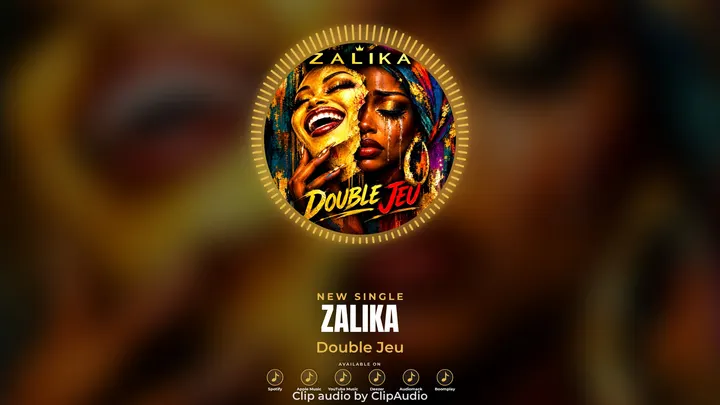
A visualizer (or audio spectrum) shows music in motion: bars, a wave or a circle following the volume and the beat. ClipAudio analyzes your song and makes the spectrum hit on the downbeats (kick, snare), around your cover art. All in the browser, nothing to install.
How to do it, in 3 steps
- 1
Add cover and track
The spectrum syncs to your track's energy on its own.
- 2
Pick the spectrum style
Bars, mirror, glowing line, symmetric wave, circle, bars around the cover, glowing ring.
- 3
Adjust and export
Sensitivity, beat reactivity, number of bars, thickness, color: you see the result live.
For a spectrum with style
- On a calm track, lower the beat reactivity for smoother motion.
- On a percussive track (afro, rap, club), turn it up: the bars hit on every kick.
- Use your cover's main color for a consistent look.
- The VU meter and Oscilloscope templates give a studio feel that suits retro and soul tracks.
FAQ
Is it really free?
Yes, to try it: 1 free clip every month (720p, with a small ClipAudio logo, Minimal and Polaroid templates). HD without the logo uses credits or the Pro plan.
Do I need a powerful computer?
No. A recent computer with Google Chrome or Microsoft Edge is enough. The video is made right on your computer.
Is my music uploaded to a server?
No. The file stays on your computer: your releases stay confidential.